
Export Attendees & Chat From Any Skool Call
How to install
- 1
Drag the blue button to your bookmarks bar
Can't see your bookmarks bar? Press ⌘⇧B (Mac) or Ctrl⇧B (Windows).
- 2
Join a Skool call
Enter URL...Bookmarks📞 Call Scout - 3
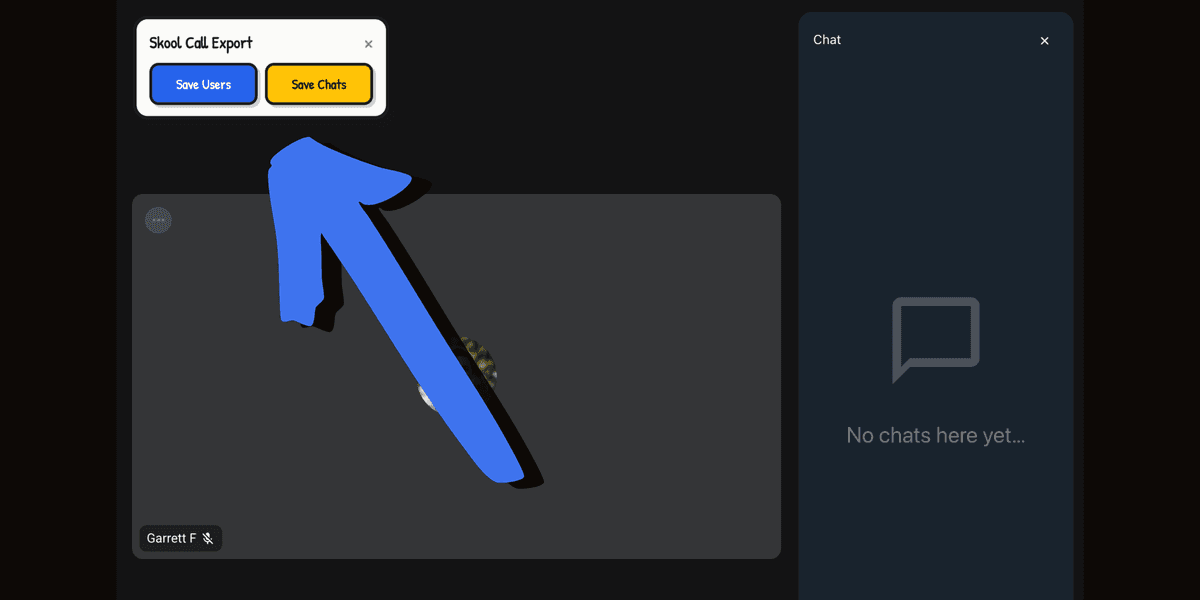
Click the bookmark
skool.comBookmarks📞 Call Scout
Tag Attendees in GoHighLevel
Got your export? Upload it here to auto-tag attendees in GHL.
1
2
3
4
5
6
Drop Call Scout users export